Health records you can take along
Organize your medical history and download a health record as a PDF — a quick summary or a full history — to bring to your next visit.
 Open the app
Health tracking & family care
Your medications, vitals, appointments and hospital paperwork usually live in five different places. VitaLink brings them together in one calm, clear app — for you and the people you care for.
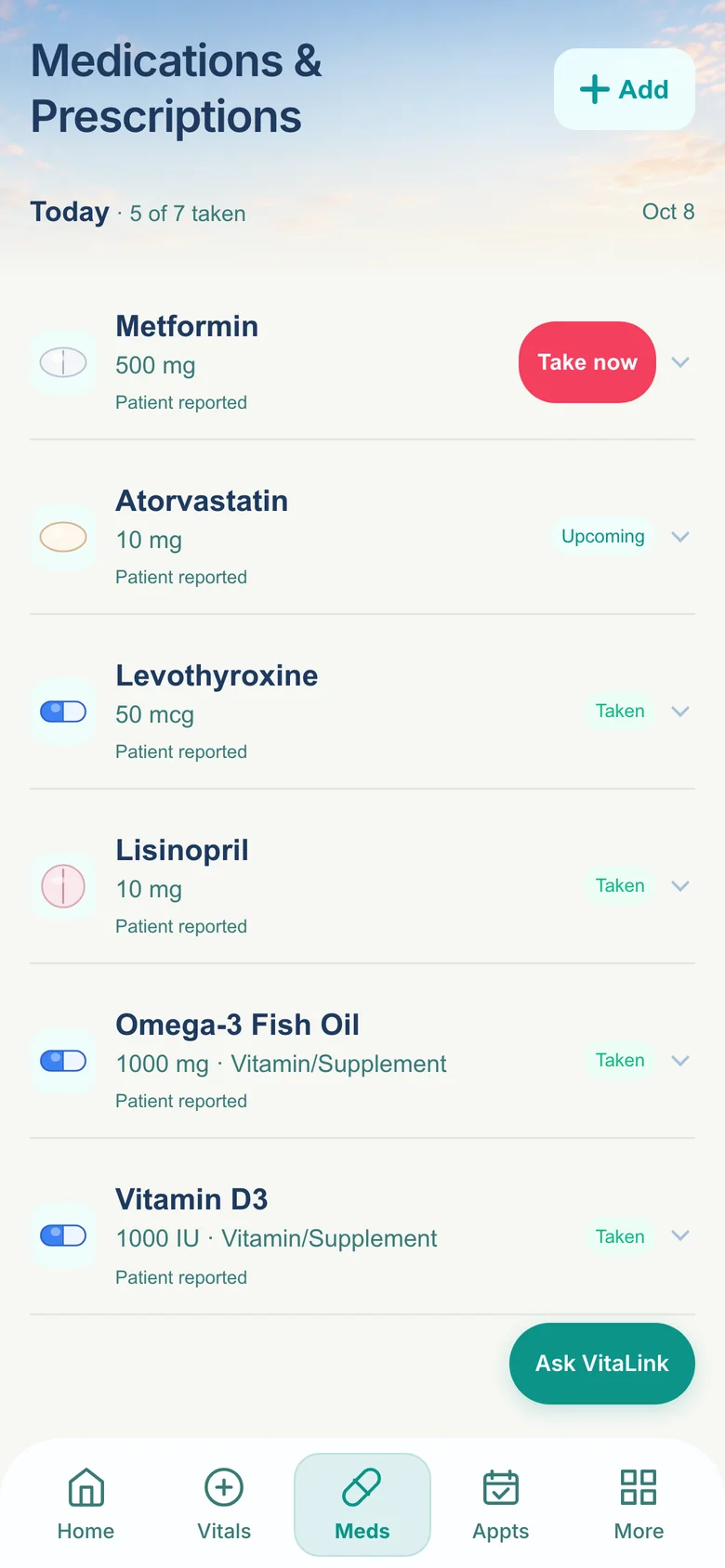
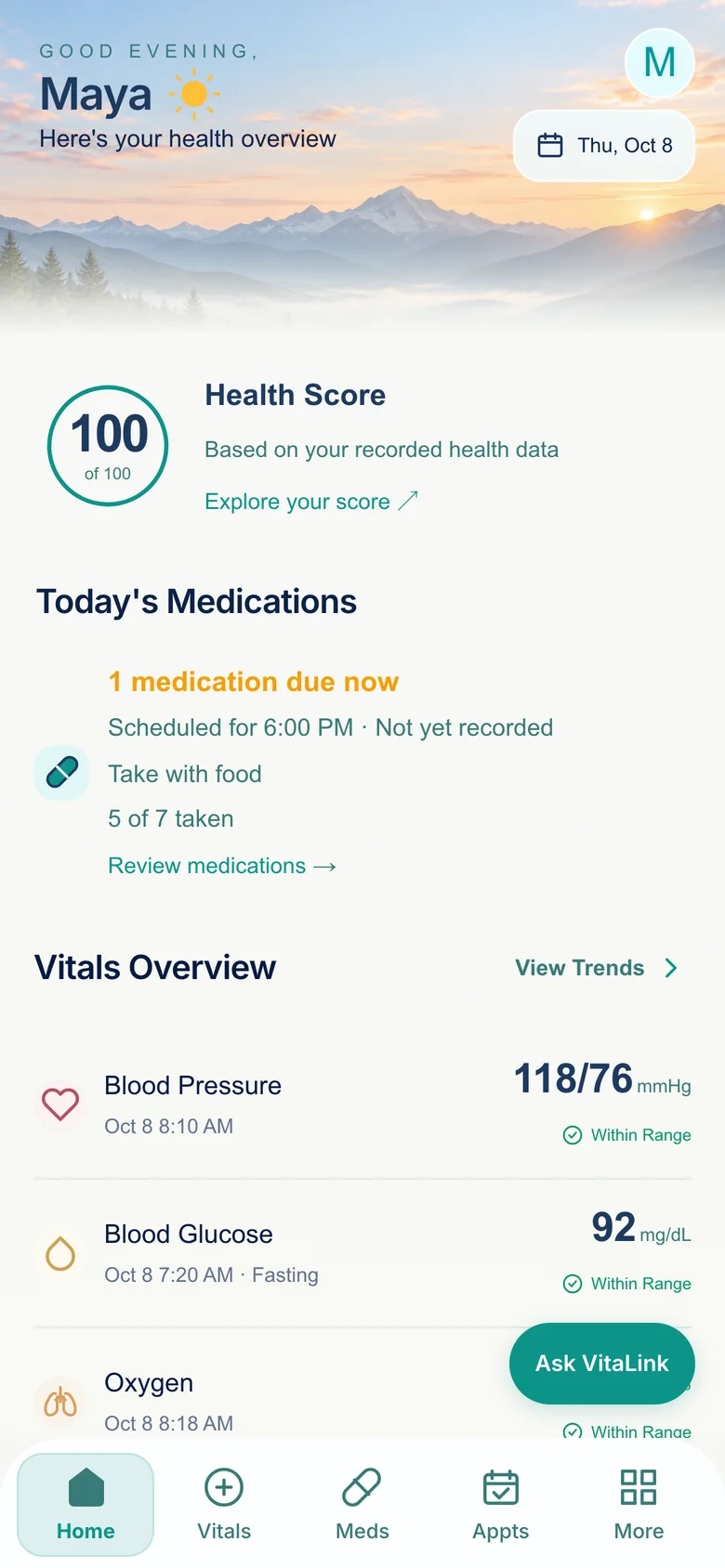
Screenshots of the VitaLink app, shown with sample data.
A closer look
No more hunting through screenshots, paper folders and old texts. Add what matters, see it clearly, and take it with you.
Your day, at a glance
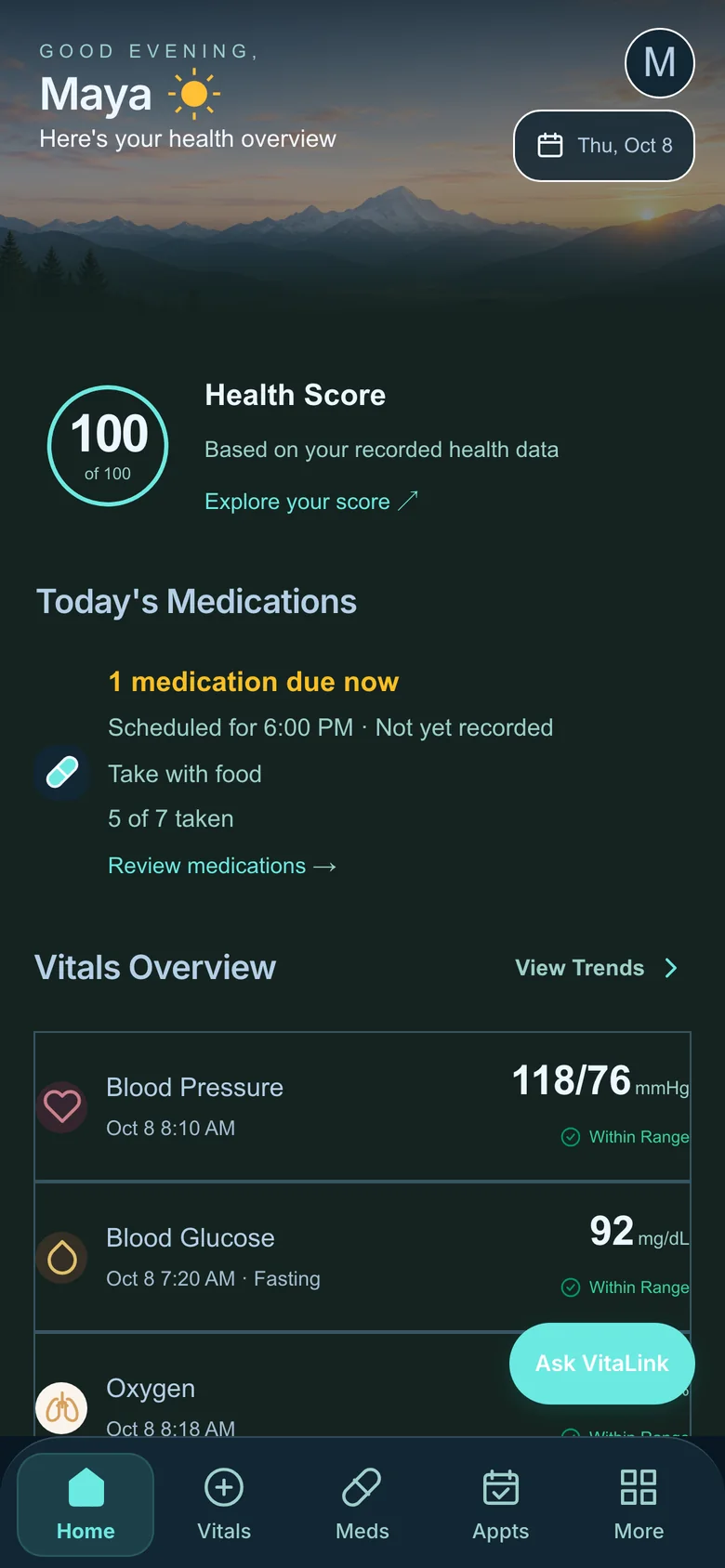
Your home screen brings today’s medications, your latest readings and your health score together. Log a dose with a tap. If you’ve noted that a medicine should be taken with or without food, VitaLink says so right alongside the reminder — not just when.
Vitals & trends
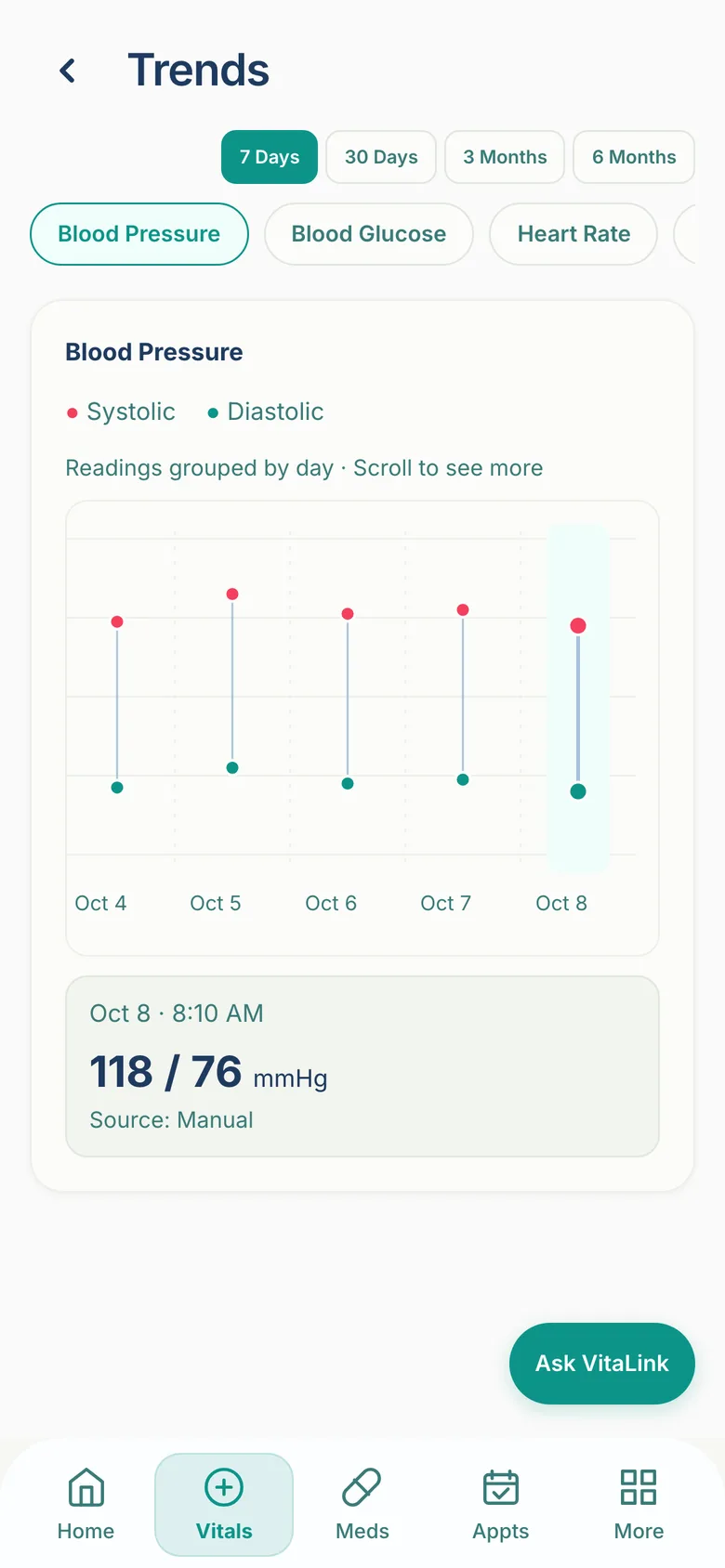
Record blood pressure, glucose, oxygen, heart rate, temperature and weight. Set your own alert ranges and measurement reminders, and watch how your readings change over a week, a month or six months.
Appointments
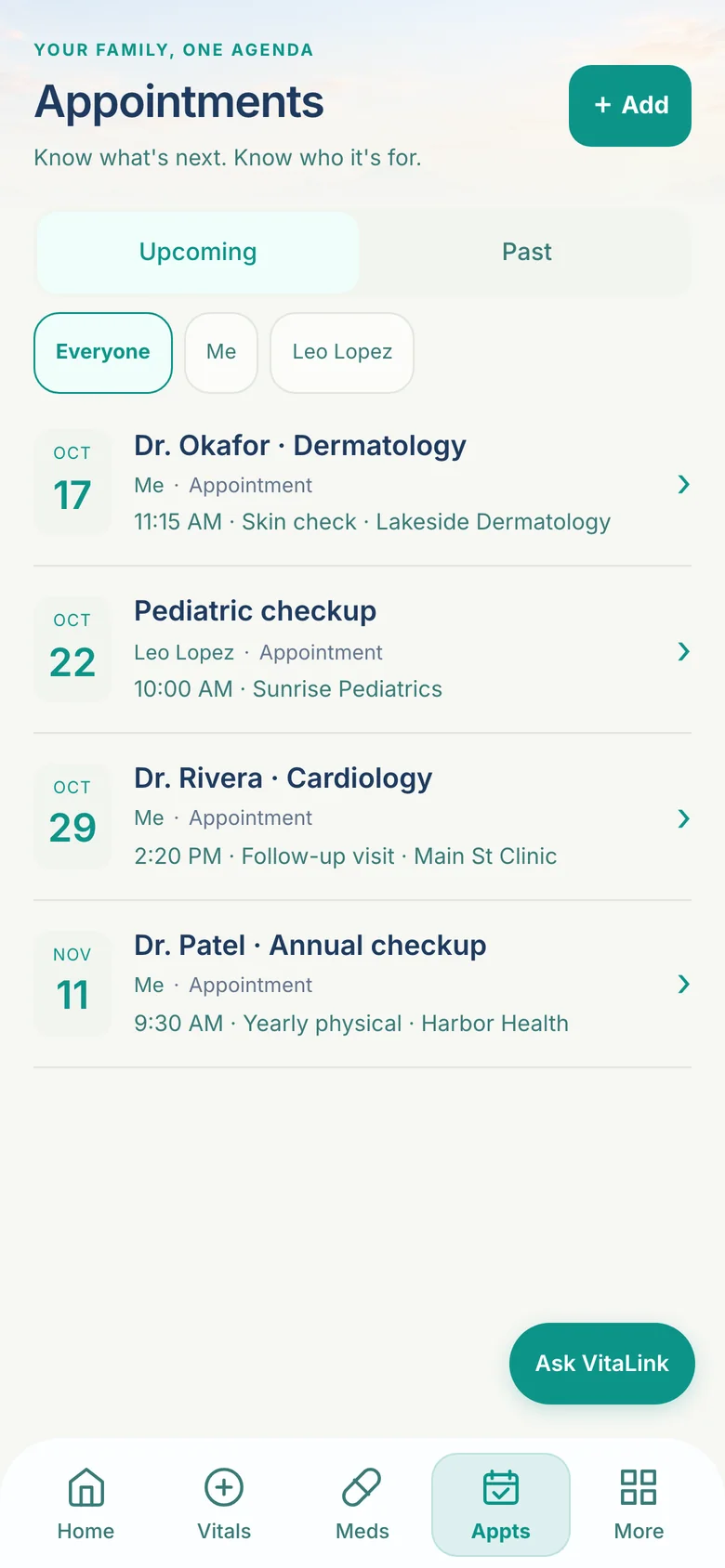
Keep doctor visits and procedures in one place — yours, and the dependents you manage. Filter by person, so you always know what’s next and who it’s for.
Organize your medical history and download a health record as a PDF — a quick summary or a full history — to bring to your next visit.
An in-app assistant for questions about your health information and how to use VitaLink. It’s designed to point you toward your care team when something needs a professional.
Optional period and fertility tracking, a medical history timeline, and a dark mode for the evenings.
After a hospital visit
Going home often means a stack of pages full of medications, follow-ups and instructions. VitaLink helps you work through it — and you stay in charge at every step.
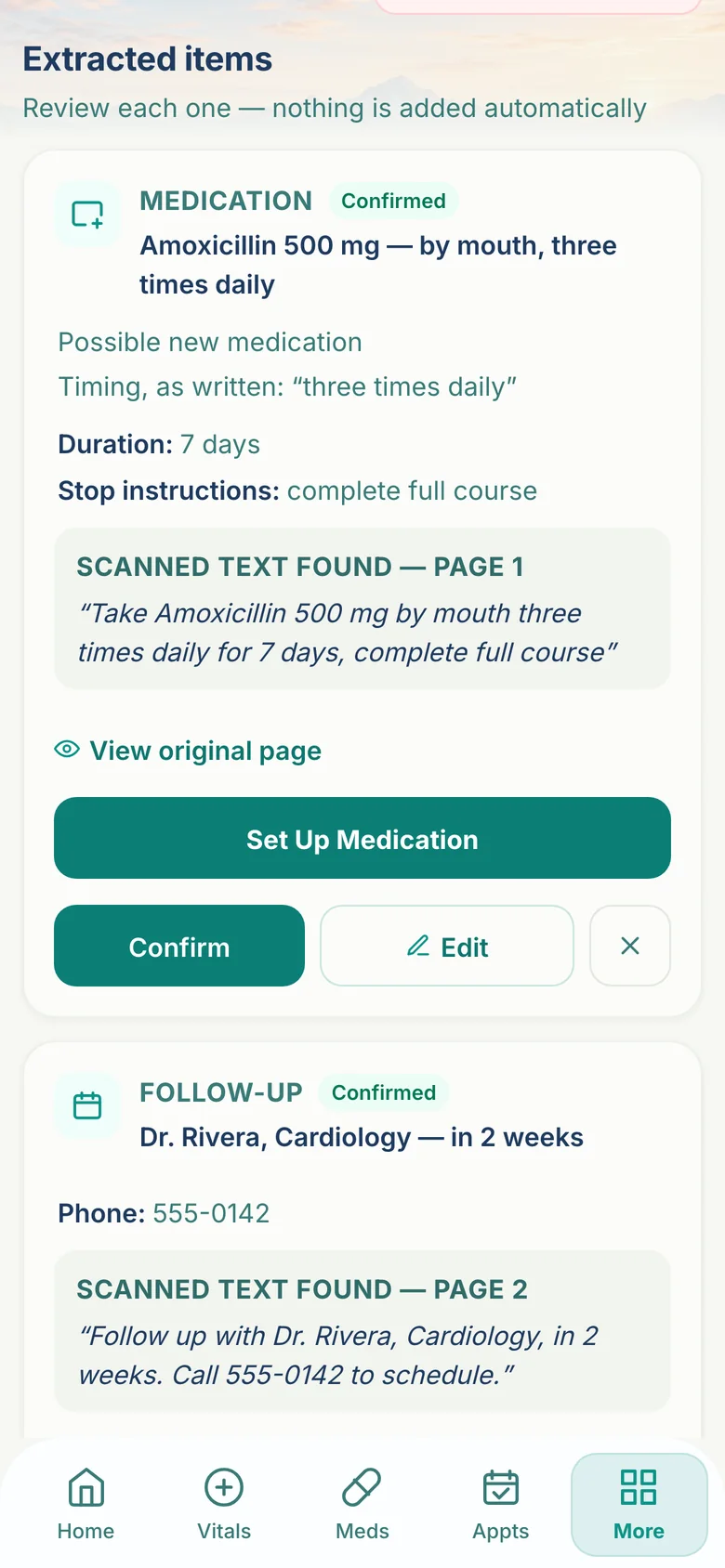
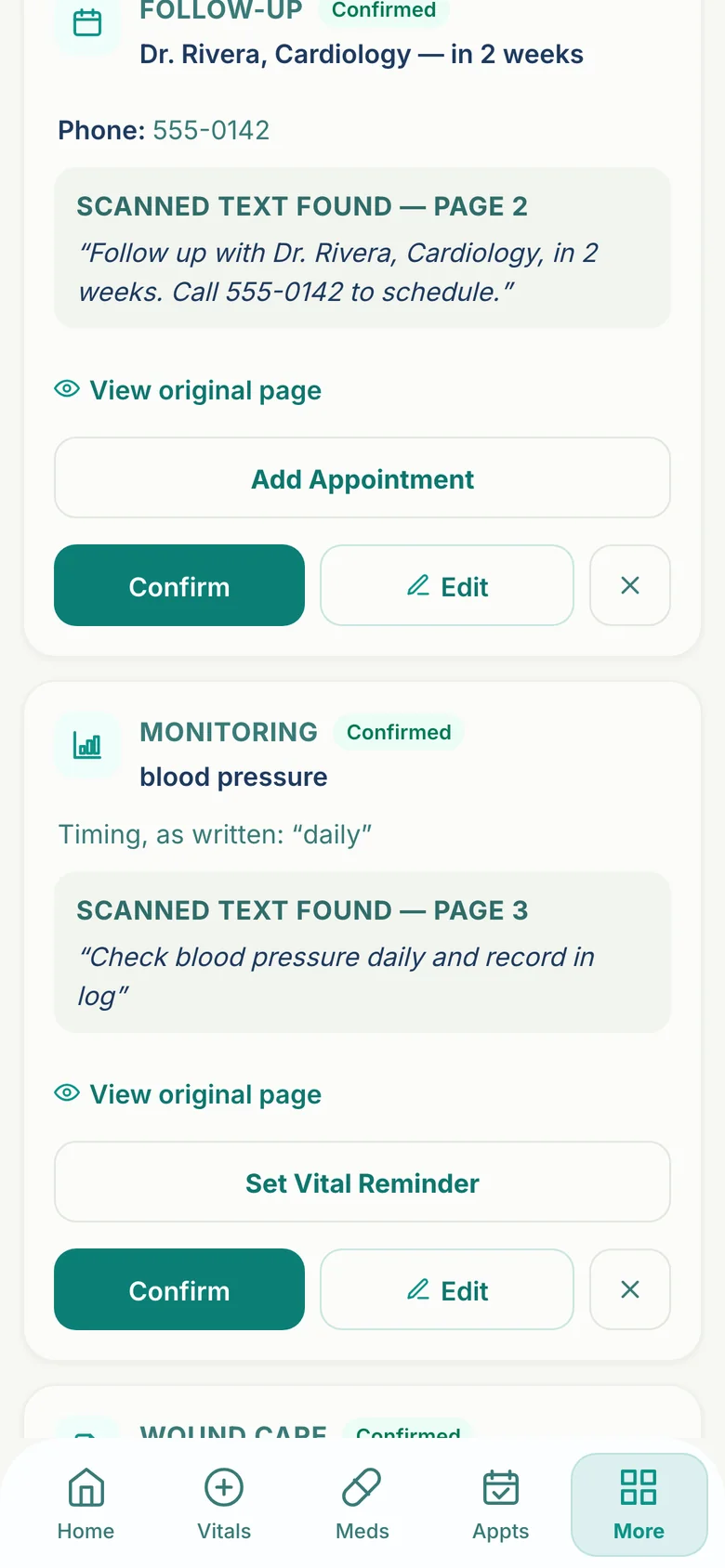
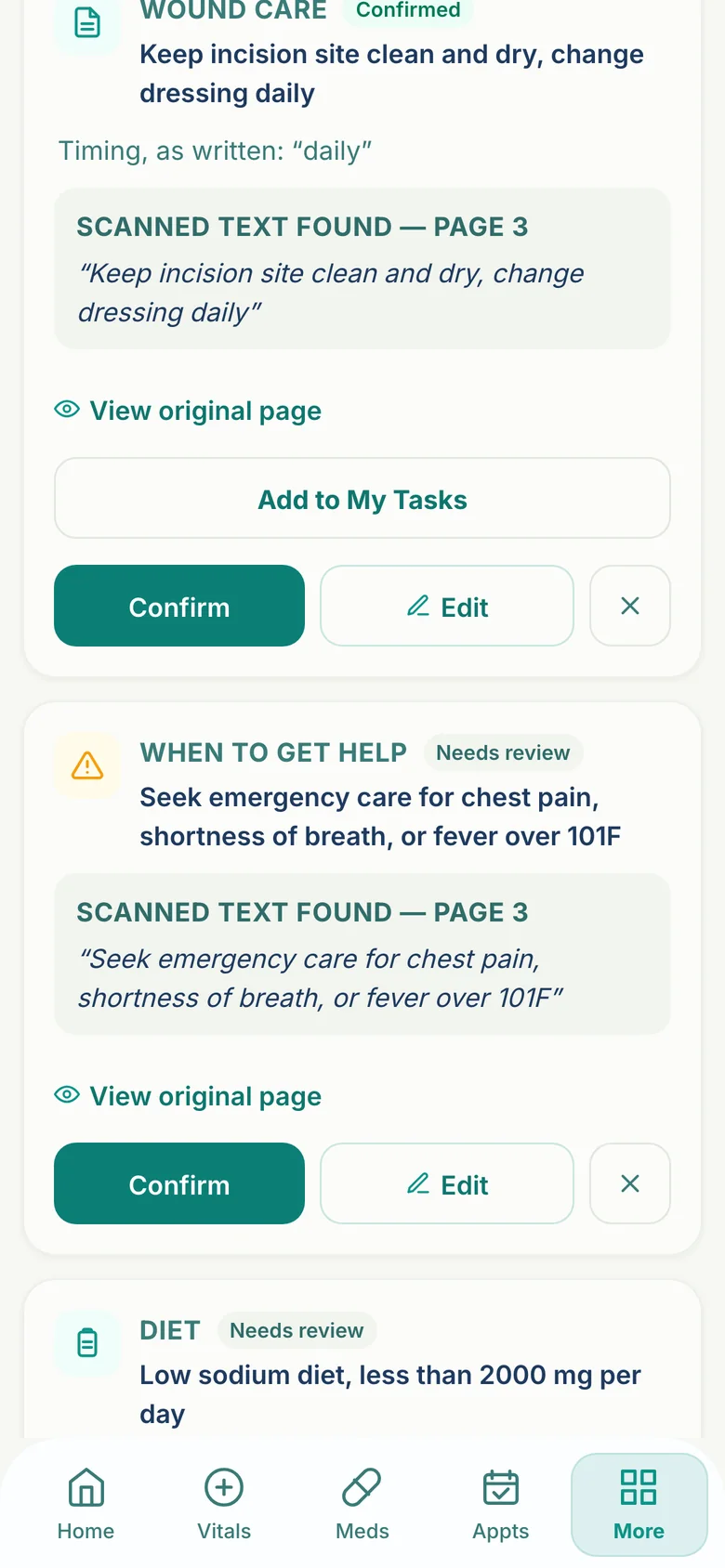
Photograph or upload your discharge pages. VitaLink reads them and proposes items: medications, follow-up visits, wound care, things to monitor and warning signs.
Each item sits next to the original text it came from. Confirm it, edit it, or ignore it. Nothing becomes part of your plan until you say so.
Add a follow-up to your appointments, set a vital-sign reminder, or turn a wound-care instruction into a task you can check off — each only when you choose.
Health & family
Look after your own health, manage a family member’s, and share what you choose with the people who help you.
Your own medications, readings, appointments and history, in focus.
Give a child or family member their own profile, so their records stay clearly separate from yours.
Invite a caregiver, or accept an invitation. Access follows the information the person has chosen to share.
Connect with a provider you choose, so the people supporting you can see what you decide to share.
Made for everyone
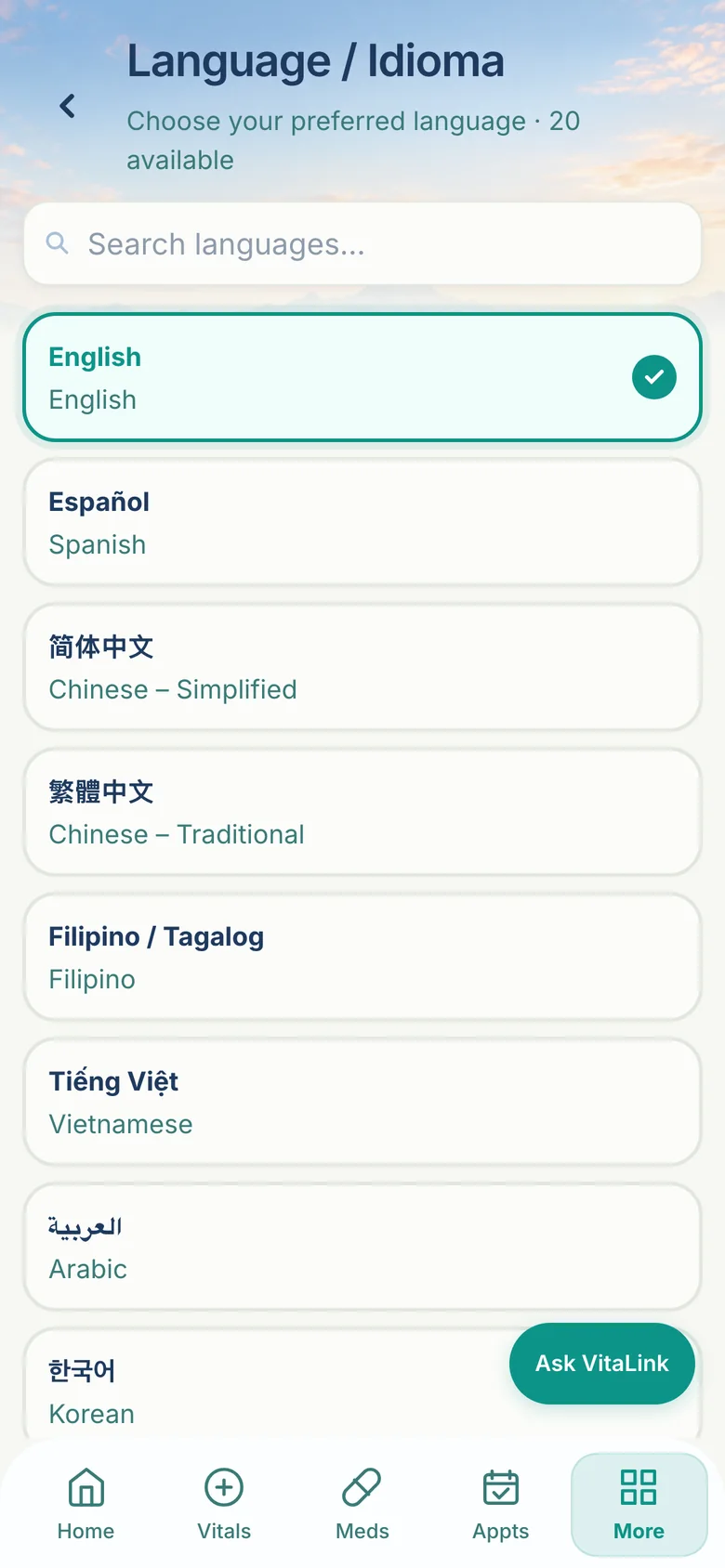
Health information is only useful if you can read it. VitaLink is available in 20 languages — including right-to-left languages such as Arabic, Persian and Urdu — and adapts to how you like to use an app.
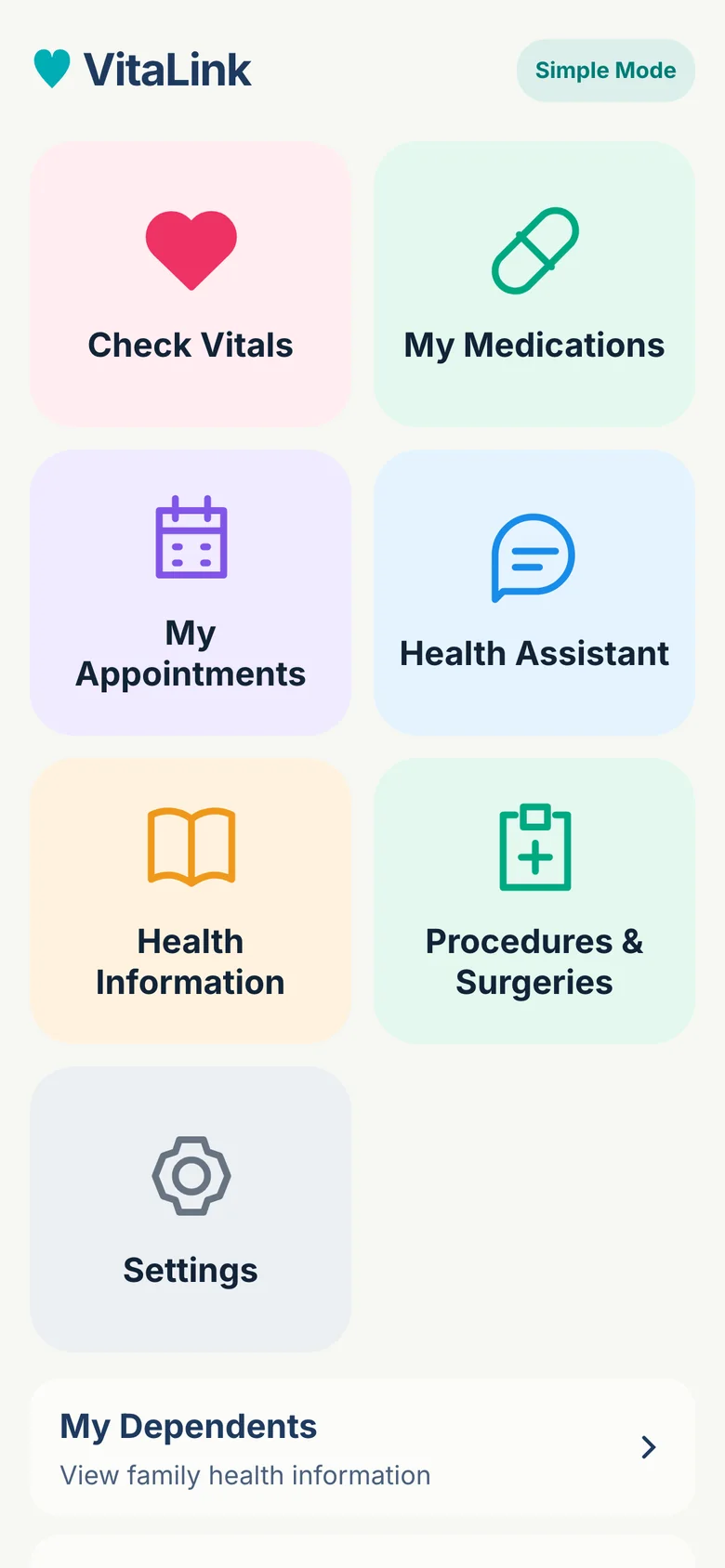
A simplified home with larger buttons and plain labels for the things you do most.
Switch themes to suit your eyes and your surroundings.
Adjustable text size, with an ongoing focus on clear contrast and on keyboard and screen-reader support.
A few things to know
No. VitaLink helps you track and organize your health information. It doesn’t diagnose conditions, recommend treatment or replace professional care. If something feels wrong, contact your clinician — and in an emergency, call your local emergency number.
It summarizes the wellness and care-tracking information you’ve recorded in VitaLink. It isn’t a diagnosis, and it doesn’t mean you are or aren’t medically healthy.
You decide. Caregiver and care-team access follows the information you choose to share, and a dependent’s records live in their own profile. Details are in the Privacy & Terms document linked below.
No. VitaLink only proposes items for you to review. Each one is added to your plan, your appointments or your reminders only after you confirm it.
Yes. You can download a health record as a PDF — a quick summary or a full history, over the time range you choose.
Yes. On supported devices, reminders are scheduled on your phone itself, and tapping one takes you to that dose. Marking a dose as taken is always your choice.
Open VitaLink and bring the pieces together.
Open VitaLink